Throwing Disc in Minecraft
Minecraft’s Throwing Disc is an upcoming ranged weapon that returns after a throw. See how ricochets and piercing hits work, which materials Mojang announced, and where to check for the first playable version.
AnnouncedFirst game drop of 2027
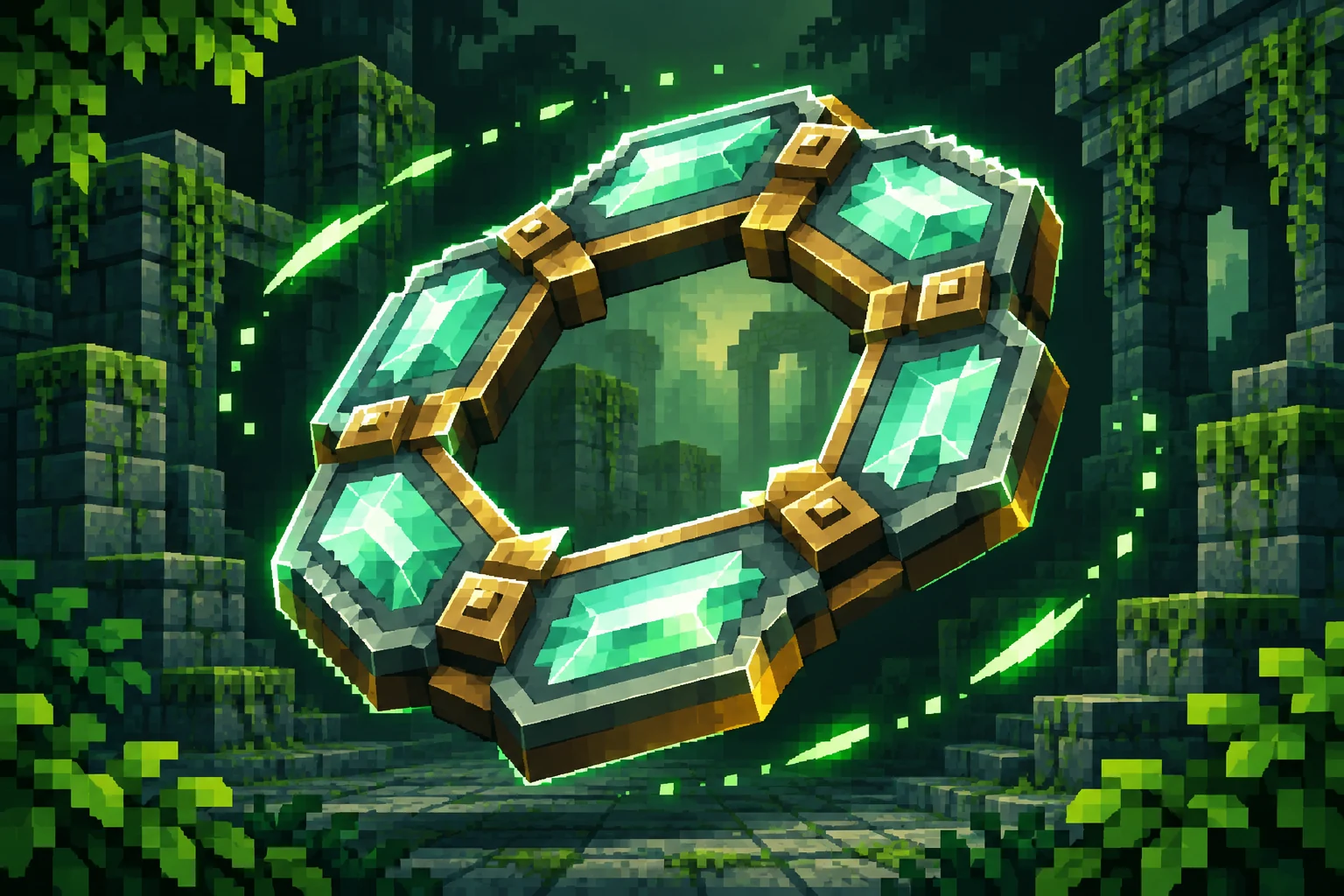
- Release window
- First game drop of 2027
- Announced variants
- Copper · Iron · Gold · Diamond · Netherite
- Weapon type
- Returning ranged weapon
- Crafting recipe
- Not announced
What is the Throwing Disc in Minecraft?
The Throwing Disc is a short-range projectile weapon that comes back after a throw. Mojang revealed it at TwitchCon on and announced it for the first game drop of 2027. A disc can bounce off a hard surface to reach farther and pass through several enemies when they line up along its path.
That combination gives players a different reason to pay attention to where they stand. If enemies are scattered across a room, the announced ability to hit a line of targets tells you little about how many a single throw will reach. If they are lined up in a passage, their positions create a path the disc can follow. Mojang described the basic behavior in the reveal. Exact travel distance, damage, and the rules for catching the disc are still awaiting details.
Read Mojang’s TwitchCon announcementHow Minecraft’s Throwing Disc works
Returns to you
The disc comes back after you throw it, giving you a reusable ranged option.
Ricochets off surfaces
Bounce it off a hard surface to extend its reach beyond a straight throw.
Hits multiple enemies
The disc can pass through enemies and hit several if they line up along its flight path.
A straight throw through a corridor
Imagine two mobs along a corridor, one behind the other. A throw down the corridor illustrates the announced piercing mechanic. If the disc’s path crosses both mobs, it can hit both. If the second mob stands to the side, the same throw may miss it. The reveal establishes that a single throw can hit several targets along its path. A count of how many targets the disc can pass through will need a playable build.
A ricochet using a nearby wall
A useful way to picture a ricochet is to start with a wall beside your line of sight. A straight throw travels toward the target. A throw toward the wall adds a rebound that can send the disc along a different path. Mojang says hard surfaces can extend the disc’s reach this way. The reveal leaves open which blocks count, how the disc changes direction, and how many times it can bounce.
What to test when a build is available
Start with one target and an unobstructed throw. Then add a second target behind it, and finally try a throw against a wall. Changing one part of the setup at a time will help you distinguish a direct hit from a ricochet. Watch the return path separately. The reveal says the projectile comes back to the thrower, while finer details such as return hits or what happens if the thrower moves remain to be tested. These examples describe how to observe the announced mechanics once Mojang releases a build.
If you want to measure the reach, mark the starting position and distances with blocks on the ground. Record the last position the disc consistently reaches on a straight throw. For a bounce test, record the wall material and where you stood. That makes it possible to repeat the same setup in another build or compare a direct throw with a rebound. Keep a separate note for whether the disc touched a target on its way out or on its way back.
Throwing Disc crafting and materials
Mojang named 5 craftable variants. The reveal identifies their materials as Copper, Iron, Gold, Diamond, Netherite. Those names tell you which variants were announced. The recipe grid, any additional ingredients, and the quantities for each variant are still unpublished. A screenshot of a disc tells you what it looks like. A recipe needs its own source, such as official notes or the recipe book in a confirmed build.
The reveal also leaves open how the variants compare in use. The material list alone offers no basis for choosing one for damage, durability, or range. Once a playable version is available, compare discs on the same target under the same conditions. Include the edition and version when sharing results. That context will let other players tell which build the observation applies to, especially if a later update changes the numbers.
Playing in Creative can help you check whether a disc appears in a particular build once it is available. A separate Survival test is useful for checking how the item is obtained in ordinary play. Keep those observations distinct when sharing a guide. If you can select an item in Creative, record that result first, then look for the recipe or other acquisition method described for that build.
When can you use the Throwing Disc?
The official window is the first game drop of 2027. Mojang has yet to publish a specific day, a stable version number, or the first Java snapshot or Bedrock Preview that lets players use the weapon. The same TwitchCon announcement revealed expanded Bedrock off-hand support. Those were two announcements about the upcoming drop. Check the notes for your edition to see when each feature becomes available to test.
The Deep Freeze is the separate final game drop of 2026. Its testing notes cover features from that drop. Seeing a new snapshot or preview in the launcher by itself only tells you that a build is available. Open its changelog and look for the Throwing Disc by name. Then check whether it is part of the build by default or requires a listed experimental setting.
If you play Java Edition, look for a snapshot or stable release announcement that names the disc and identifies the exact version. If you play Bedrock Edition, look for a Preview, Beta, or stable changelog that names it, and check the supported devices. Test worlds let you try an early version without moving your main save onto a testing build. The Minecraft updates tracker lists official notes by edition and release channel.
Read Mojang’s separate Deep Freeze announcementOfficial Throwing Disc and Minecraft mods
Community creators have released their own takes on throwable discs while players wait for Mojang’s weapon. A community version may also return, bounce, or hit several mobs. It comes with the creator’s own recipe, controls, and version requirements. If a search for “throwing disc minecraft” takes you to a video or download, check the description for the project name and the game version. Follow its link back to either Mojang’s changelog or the creator’s release page.
Check the edition before you download
A Java mod may require a particular loader and dependencies, while a Java data pack may also require a matching resource pack. A Bedrock add-on has a different format and install workflow. Check the compatibility of the exact release file you select. Two files from the same creator can support different builds, and a guide based on one build may give you instructions that do not apply to the other.
The Throwing Disc mod directory lets you browse community projects by edition and open their creator pages. If you are using a Bedrock add-on, follow the Bedrock import and activation guide for your device. Try the pack in a copy of your world first so you can check that it loads and that the item appears before adding it to your main save.
How to identify what you are seeing
- Official announcement. The item is named in a Minecraft announcement with a planned release window.
- Official test or release. The changelog identifies a playable version and any experiment you need to turn on.
- Community recreation. A creator links to a separately installed project and provides its own compatibility details.
If you are looking for a recipe, use the third category only for the specific project you installed. If you want to play the official feature, use the second category to choose the right version for your edition.
Release tracker
Follow the official release
Check the tracker for separate Java snapshot, Bedrock Preview, and stable release notes. The first changelog to name the disc will be the clearest place to start if you want to try it.
Sources reviewed
Find a disc mod for your edition
Filter the mod directory by Java or Bedrock. Open the project details to find the file format, supported version, and creator’s release page. The version checker and disc simulator are planned.
FAQ
Throwing Disc FAQ
Is the Throwing Disc available in Minecraft yet?
Mojang has announced the weapon for 2027. The official sources reviewed have yet to identify a playable Java snapshot, Bedrock Preview, or stable release that includes it.
How do you craft the Throwing Disc?
The official crafting grid and ingredient quantities are still unpublished. If you are playing a community recreation, follow the recipe for the exact version of that project.
How much damage does the Throwing Disc deal?
Mojang has yet to publish damage or range figures. Useful tests will need to report the edition, build number, disc variant, and conditions of the hit.
Is the Throwing Disc the same as a music disc?
The Throwing Disc is a ranged weapon that returns to the thrower. Music discs play tracks in a jukebox.
Can I try a throwing disc with a Minecraft mod?
Community projects can add their own disc-style weapons. Check the creator’s supported game version, edition, and installation instructions before adding one to a world.
Can you use the Throwing Disc in the off-hand?
Mojang showed the weapon held in either hand and announced expanded Bedrock off-hand support for the same drop. The official notes for the first playable build should clarify the controls for each edition.